Overview
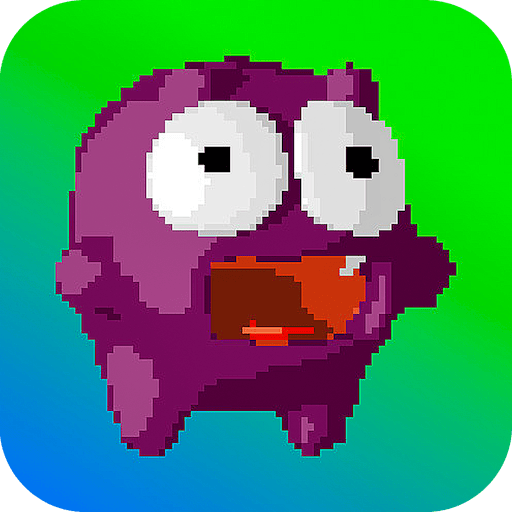
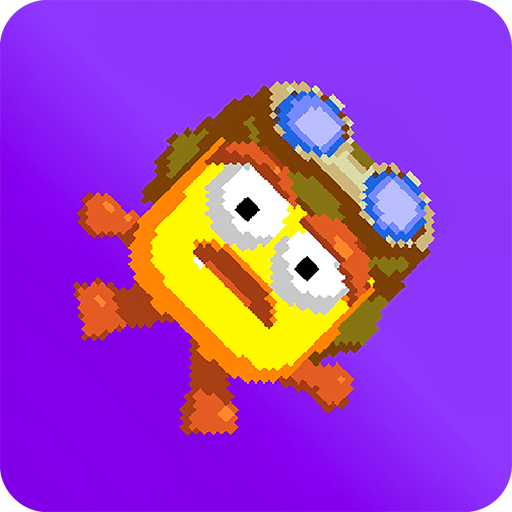
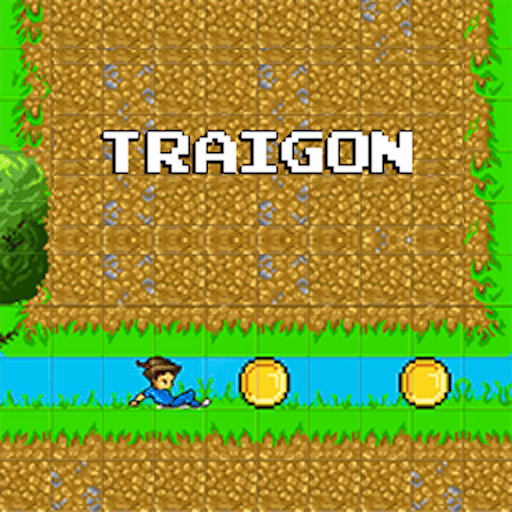
Traigon is an obstacle course game, where we will be able to jump over ravines and spikes to reach the end of the level.
Gameplay and Experience
PC Version:Space or Left Click mouse on screen= Jump.Double click (Space or mouse) = Double jump.Z = Stop character.X = Slip.Mobile Version:Tap on Screen = Jump.Double tap on Screen = Double jump.Click the icons on the screen for the rest of the commands.
Controls
- PC Version:Space or Left Click mouse on screen= Jump.Double click (Space or mouse) = Double jump.Z = Stop character.X = Slip.Mobile Version:Tap on Screen = Jump.Double tap on Screen = Double jump.Click the icons on the screen for the rest of the commands.
How to Play
- PC Version:Space or Left Click mouse on screen= Jump.Double click (Space or mouse) = Double jump.Z = Stop character.X = Slip.Mobile Version:Tap on Screen = Jump.Double tap on Screen = Double jump.Click the icons on the screen for the rest of the commands.
Features
- Official GamePix HTML5 embed
- Responsive mobile, tablet, and desktop layout
- Touch controls supported
- Keyboard or mouse controls supported
- landscape orientation support
Why You Should Play
This responsive HTML5 title is highly ranked in GamePix's official quality and most-played order, with touch and desktop controls available.
Who Is This Game For?
Traigon is suited to players who enjoy adventure, platformer, pixel games on mobile, tablet, or desktop.
FAQs
Can Traigon be played on mobile?
Yes. The official HTML5 version supports responsive browser play and touch controls.
Does Traigon require a download?
No. The game opens in the browser player after you press Play Now.
Who hosts Traigon?
GamePix hosts and delivers the embedded game experience.
Can the hosted game show ads?
The external game provider may display ads within its hosted game experience.